
Import your ING actions
With ING you can import your broker history directly into PDT. So you don't have to enter every broker action manually.
ING splits your data across two exports: Beleggingen (Investments) for your buy and sell actions and dividends, and Geld (Money) for your deposits, withdrawals and costs. You need both, and you download them from the same transaction overview.
We only support Dutch-language ING exports.
Step 1: Log in to ING through the website (so not the app).
Step 2: Go to Beleggen (Invest) and open your beleggingsrekening (investment account).

Step 3: Scroll to the bottom of the page and open the Transactieoverzicht (Transaction overview).

Step 4: At the top, select Beleggingen (Investments), choose a period that starts before your first deposit and click Toepassen (Apply).
365 days is the maximum possible period. For example, if you want to export 2 years of data, you will need to download two separate files, one for each calendar year. Overlap is not a problem, because PDT automatically recognizes previously imported actions and will not import them again.

Step 5: At the bottom of the table, click Download CSV.

Step 6: At the top, select Geld (Money), choose the same period and click Toepassen (Apply) again.
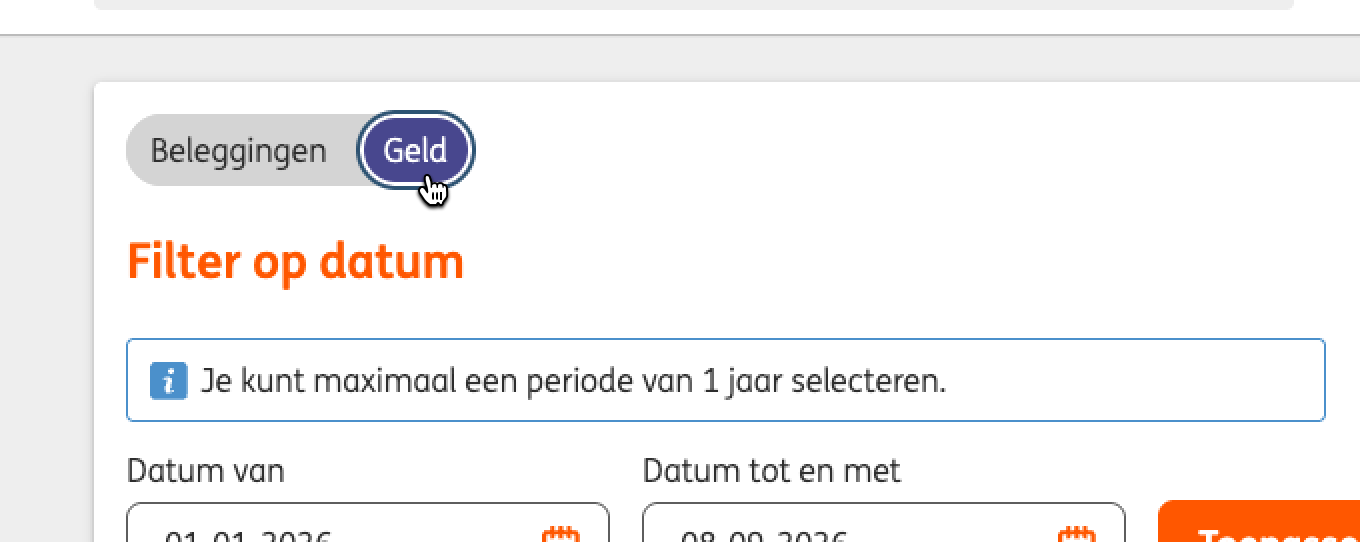
Step 7: At the bottom of the table, click Download CSV once more.
Import your ING actions
Upload the CSV files by dragging them into PDT. Or go to the actions page → Import actions and select ING.
